
You are able to cancel any automatic billing/renewal (Club HM or Premier) through the "My Account" section of your account. On the right hand side of the first "Profile" tab is where all the links to change your renewals are listed.
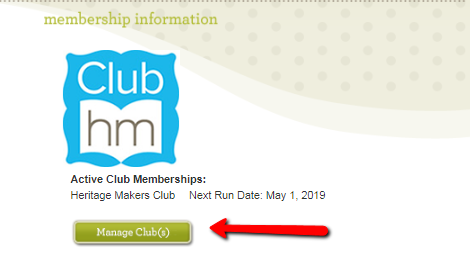
Club HM cancellation is completed by clicking on "Manage Club(s)". A new box will appear. Select your club that you are modifying and then choose from either changing club level or clicking 'cancel membership'. Any changes will reflect at the time of your next bill date.

To cancel your Premier renewals, you will find that there are two links that you can click on. The first is found under “Change Renewal Preferences”. After clicking and that link, you will select “Don’t Automatically Renew” and click on the green “Change Renewal Preferences” button. The second way to cancel your Premier renewal is to click on the “Cancel Membership” link.

After selecting this link, you will see a confirmation that your Premier renewal has been cancelled.



6 Comments